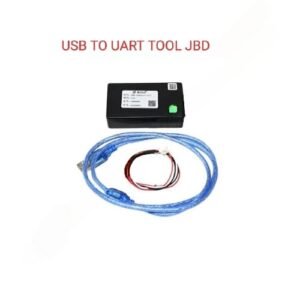
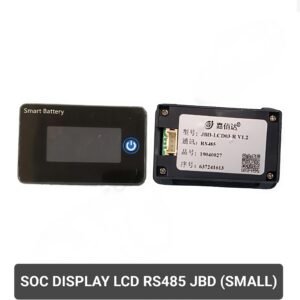
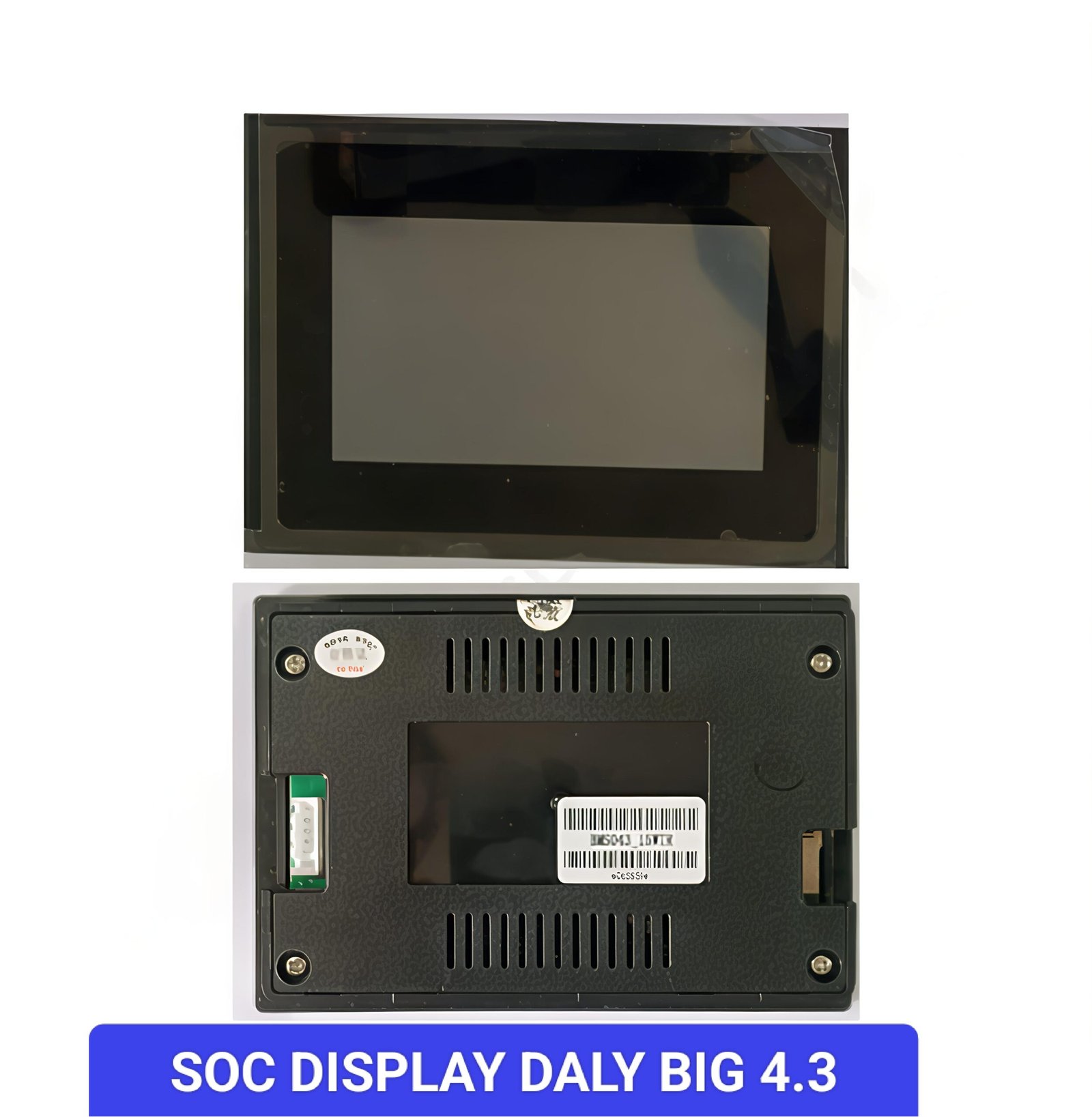
The JBD LCD02 (Big / Touch / UART) is a display accessory made by Jiabaida (JBD) designed for battery management systems (BMS). It is primarily used to display information such as:
It is commonly used in battery packs for electric vehicles, solar energy systems, and battery storage solutions where real-time monitoring of battery health and status is required.
-
Good Visibility and Large Size
The larger display size improves readability from a distance, making it suitable for panels, vehicles, and battery systems where clear visibility is essential.
-
Wide Operating Voltage Range
Compatible with a broad voltage range (10-90 V), supporting 3S to 24S lithium battery configurations, providing flexibility for various battery pack sizes.
-
Touch Screen Functionality
The touch interface allows easy navigation between display pages and can control inputs/outputs on the BMS, reducing the need for extra buttons.
-
Multiple Communication Interfaces
Availability of UART and RS485 variants helps users select the appropriate version based on their BMS requirements. The UART version may share the communication port with a Bluetooth module on some JBD BMS units.
-
Good Build Quality and Compatibility
Generally reliable and compatible with JBD BMS systems and associated software tools, allowing effective monitoring and parameter setting.
-
User Interface and App Limitations
Some users find the mobile app for configuration not very intuitive or limited in functionality. Connection issues or restricted settings changes can occur.
-
Interface Compatibility Confusion
Selecting the correct interface version (UART vs RS485) is critical, as mismatches result in non-functioning displays. Shared ports with Bluetooth modules may cause conflicts if not properly configured.
-
Power Consumption
The color TFT touch display consumes more power compared to simpler displays, which can be a concern in low-power or standby scenarios.
-
Size and Installation Considerations
The larger size requires sufficient mounting space and potentially additional protection from environmental factors such as dust, moisture, and physical damage.
-
Price
The advanced features and larger size come at a higher cost compared to simpler displays, which might be unnecessary for basic SOC and voltage readings.
-
Performance in Harsh Conditions
There is limited information on the display’s durability under extreme environmental conditions. Some users report occasional communication or Bluetooth issues that might affect the display’s operation.